
Etsy-ready jewellery photos from one phone shot
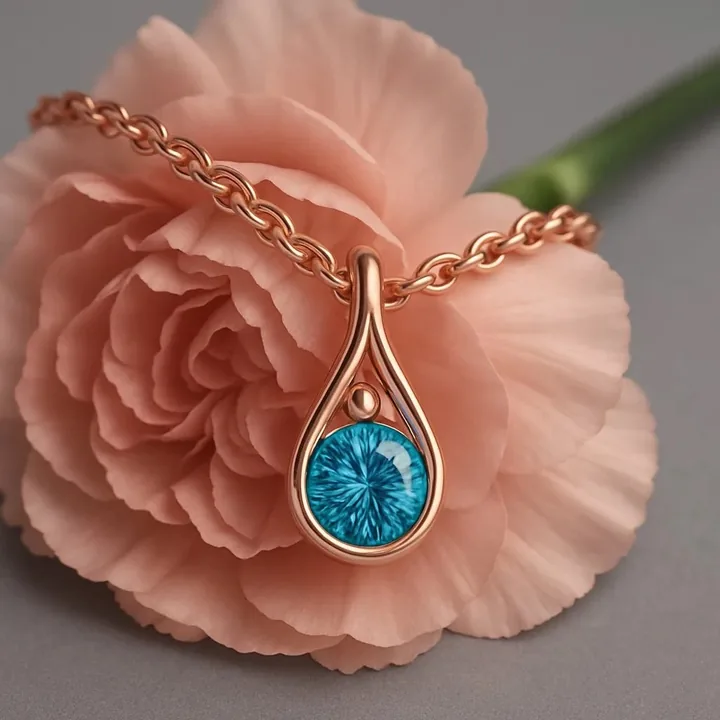
The challenges Etsy jewellery sellers face
- Listing photo slots. Etsy lets you show multiple images, but making each one good takes time.
- Crowded search results. Your thumbnail competes with thousands. The main image has to stand out.
- Handmade scale problem. Small handmade pieces need scale and context.
- Time spent shooting. Time making and shooting competes with each other.
A simple workflow for Etsy jewellery sellers
- Take one clean, evenly lit photo of the piece.
- Generate a white or neutral main image and two or three lifestyle images.
- Add an on-model image to show scale and style.
- Export at a large size and upload in a consistent order.
- Check each result against your real piece before listing.
What you get
| Benefit | Details |
|---|---|
| More images per listing | Fill every photo slot with a different angle or mood. |
| Stronger thumbnails | Try several looks and keep the one that gets clicks. |
| Seasonal refreshes | Swap in gifting images for holiday periods. |
| Low cost per image | Credits cost cents, not studio fees. |
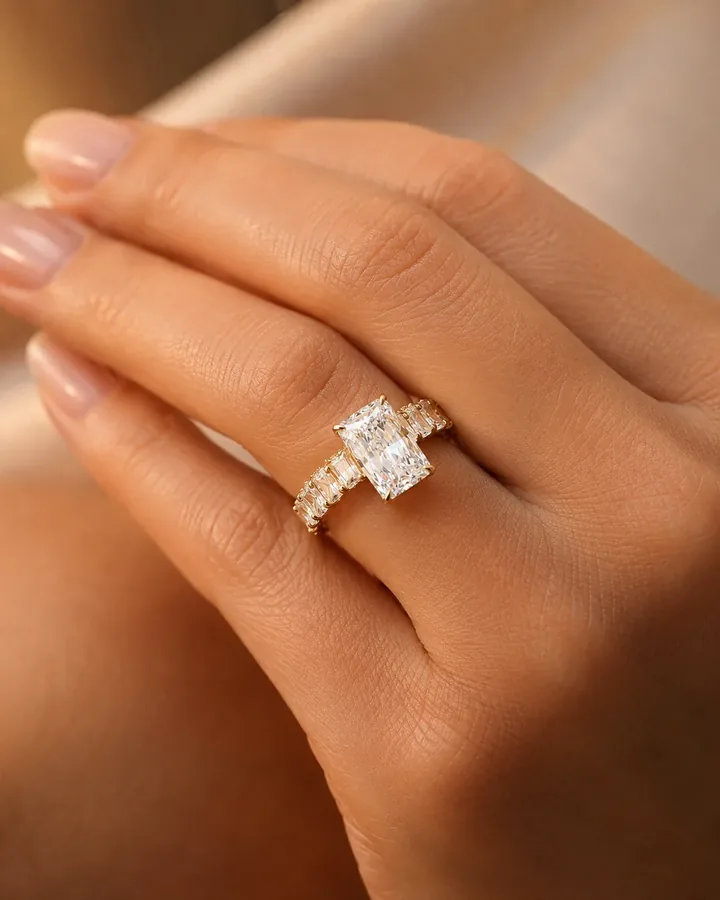
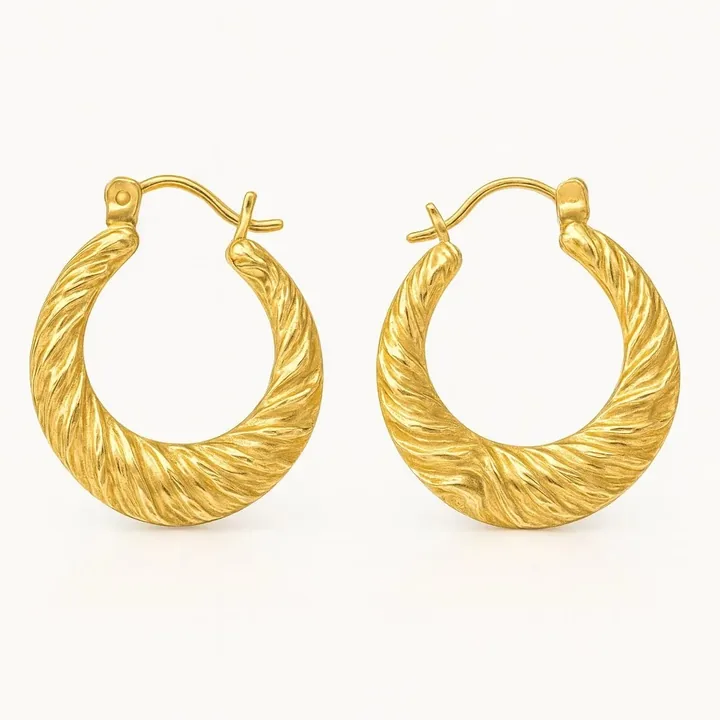
Styles that suit Etsy jewellery sellers
Pricing in plain terms
The yearly plan is $59.99 a year for 30 credits a month, and the monthly plan is $14.99 for 40 credits a month. One credit is one generated image. Your first shoot is a free watermarked preview. See the FAQ or try the cost calculator with your own numbers.
Frequently asked questions
Does Etsy allow AI-generated jewellery photos?
Etsy has policies about how items are represented and how AI-generated content is used. Read Etsy's current seller policies and make sure images accurately show your handmade item.
What size should Etsy jewellery photos be?
Use large, high-resolution images. Etsy's seller guidance lists current recommendations, and our photo size guide summarises them.
How do I show scale for tiny handmade jewellery?
Include a hand, ear or neck image, or a coin for reference. Generated on-model images can also communicate scale if they are accurate.