
Bracelet and bangle photography that shows fit
What makes bracelets and bangles hard to photograph
- Shape on a flat surface. Flat bracelets sag or twist. Use a roll, cuff stand or wrist.
- Fit and size. Customers need to know how it sits. Show a wrist or give dimensions.
- Clasp detail. Clasps are a trust signal; a sharp close-up reduces questions.
- Stacks. Mixed metals and widths can look cluttered without careful styling.
How to photograph bracelets and bangles: step by step
- Use a small cylinder, rolled towel or cuff stand to hold the shape.
- Show both a flat view and an on-wrist view.
- Photograph the clasp and any engraving separately.
- For stacks, limit to three or four pieces and keep colours cohesive.
- Use 3:2 for banners that follow the wrist line.
Best styles for bracelets and bangles
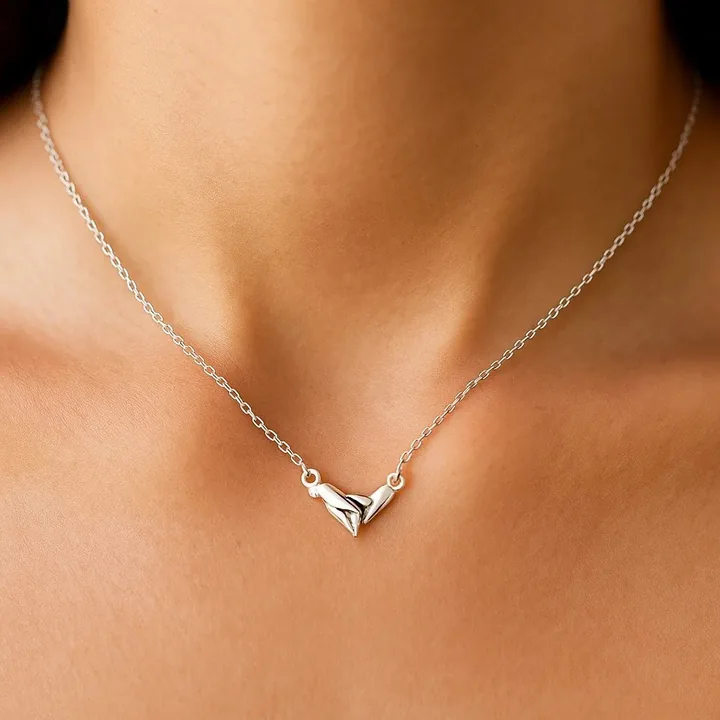
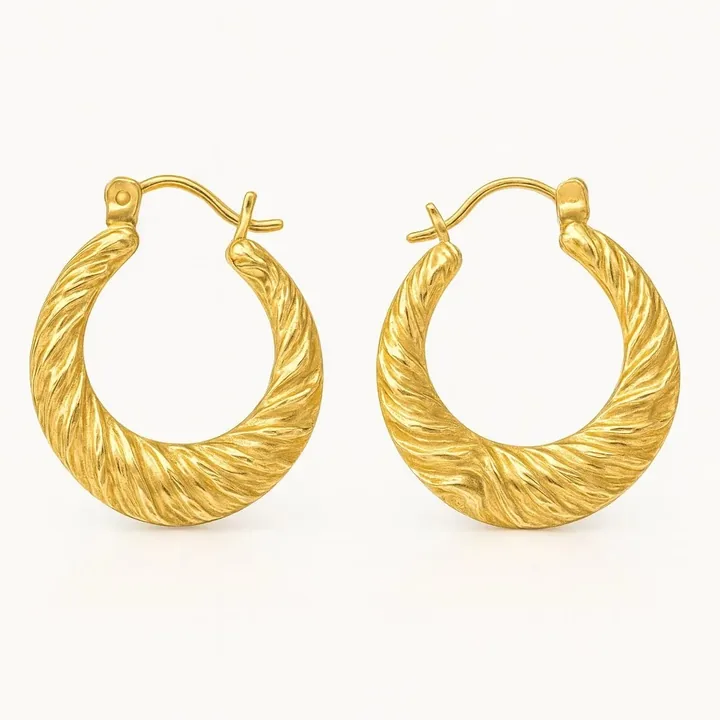
These looks suit bracelets and bangles well. Each is available in Jewellery Photoshoot and generated from your own photo:
Best image formats for bracelets and bangles
| Ratio | Best for |
|---|---|
| 3:2 | Wide ads and banners |
| 4:5 | Instagram wrist shots |
| 1:1 | Catalogue |
Need exact pixel sizes? Use the free photo size guide.
Create bracelets and bangles photos with Jewellery Photoshoot
Upload one clear phone photo and pick a style. In about 20 seconds you get studio, on-model and campaign images, in square, 4:5, 9:16 or 3:2. Your design is kept as photographed, and your first shoot is a free watermarked preview.
Bracelets and bangles photography FAQ
How do I photograph a bangle?
Stand it on edge with a small support or lay it on a surface and shoot at an angle so the opening is visible.
How do I show bracelet size online?
Show it on a wrist and list inner diameter or length in the description. Consistent on-wrist photos help buyers judge fit.
Can I get bracelet photos without a model?
Yes. Use a wrist form for DIY shots or generate on-wrist images with AI, then confirm the clasp and links match your product.