
Pendant photography with crisp detail
What makes pendants hard to photograph
- Swinging and rotation. Pendants twist on the chain. Fix them with wax or a tiny dab of putty.
- Small details. Engravings and tiny stones need macro-level sharpness.
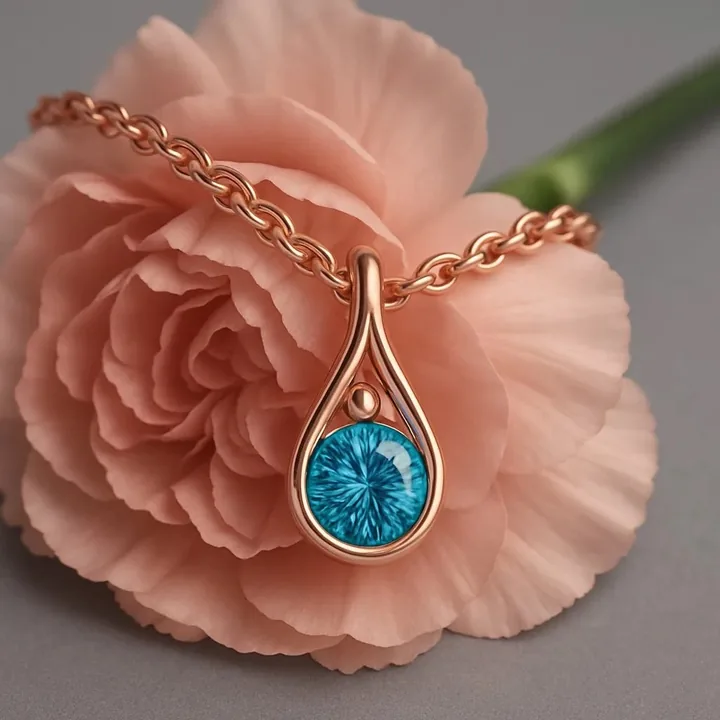
- Backgrounds that compete. Textures and flowers look beautiful but can steal focus.
- Scale. A pendant can be 1 cm or 5 cm. Add a neck or hand reference.
How to photograph pendants: step by step
- Secure the pendant face-forward with putty behind it.
- Shoot at 4:5 for feed posts and Stories.
- Try texture backdrops such as petals, stone or fabric for lifestyle images.
- Take a back-of-pendant photo if it has engraving or a locket interior.
- Show the piece on a neck for scale.
Best styles for pendants
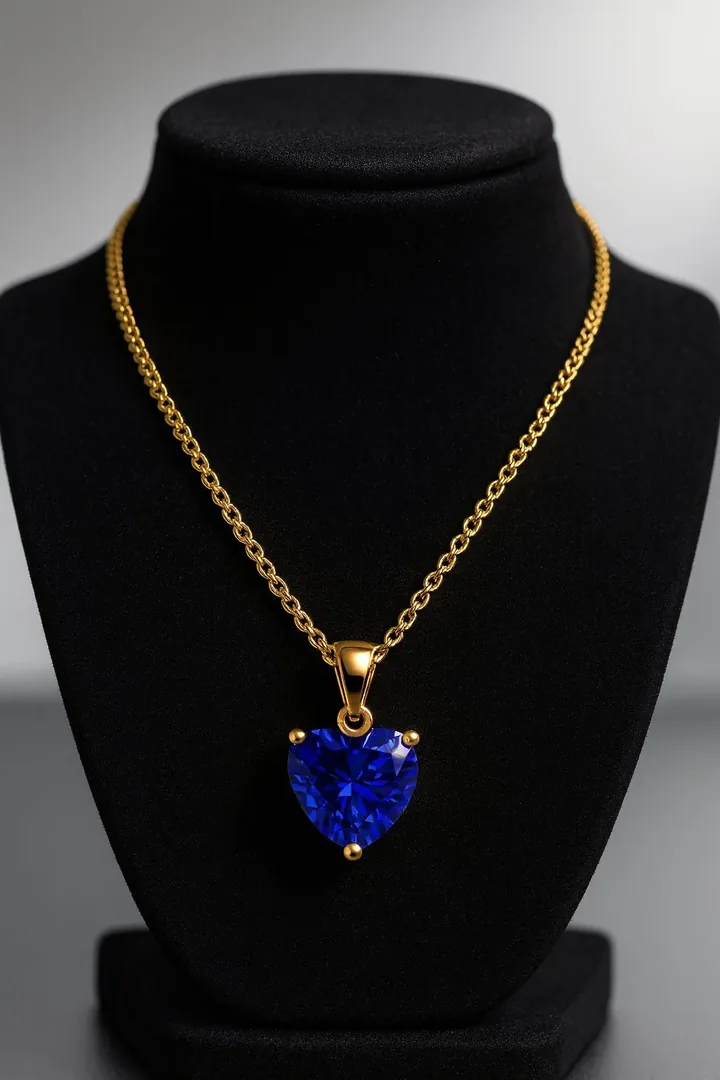
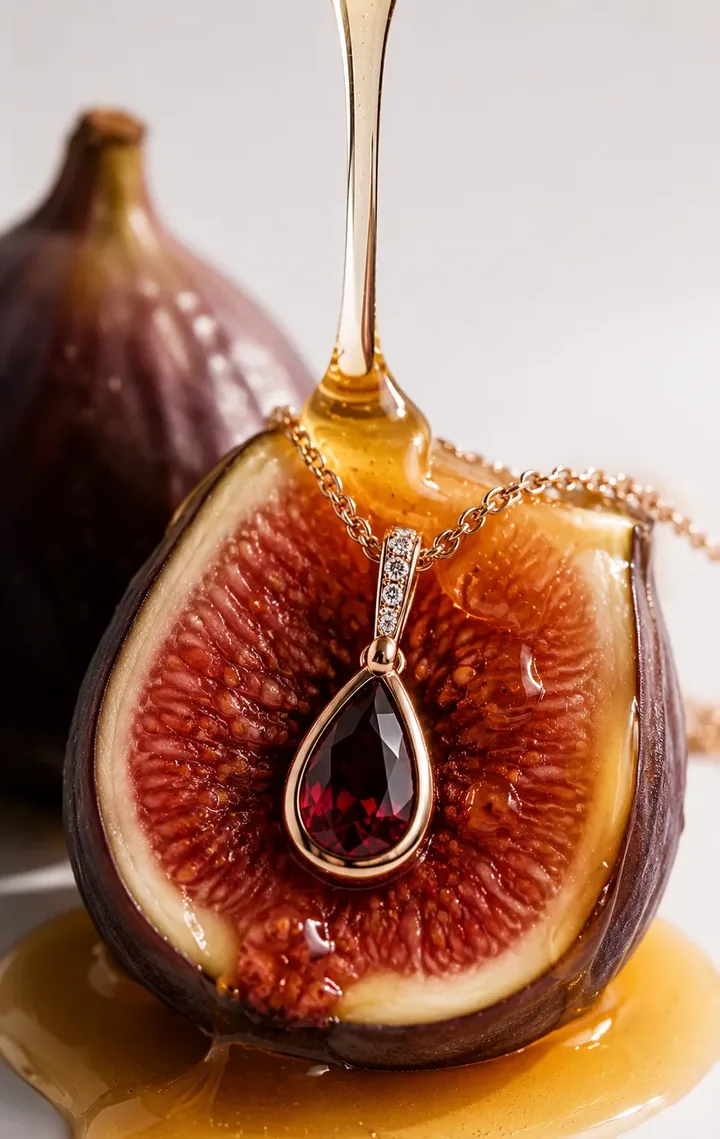
These looks suit pendants well. Each is available in Jewellery Photoshoot and generated from your own photo:
Best image formats for pendants
| Ratio | Best for |
|---|---|
| 4:5 | Instagram feed |
| 1:1 | Shop and marketplace |
| 9:16 | Story close-ups |
Need exact pixel sizes? Use the free photo size guide.
Create pendants photos with Jewellery Photoshoot
Upload one clear phone photo and pick a style. In about 20 seconds you get studio, on-model and campaign images, in square, 4:5, 9:16 or 3:2. Your design is kept as photographed, and your first shoot is a free watermarked preview.
Pendants photography FAQ
How do I stop a pendant from spinning in photos?
Use a tiny amount of museum wax or putty behind the bail, or shoot it lying flat on a surface.
What background suits pendants?
Neutral, soft or botanical backdrops work well. Keep contrast so the pendant remains the hero.
Can I generate pendant photos from one image?
Yes. Upload a sharp front-facing photo and choose studio, floral or on-model styles. Verify the stones and engravings against your original.