
Silver jewellery photos that stay bright and detailed
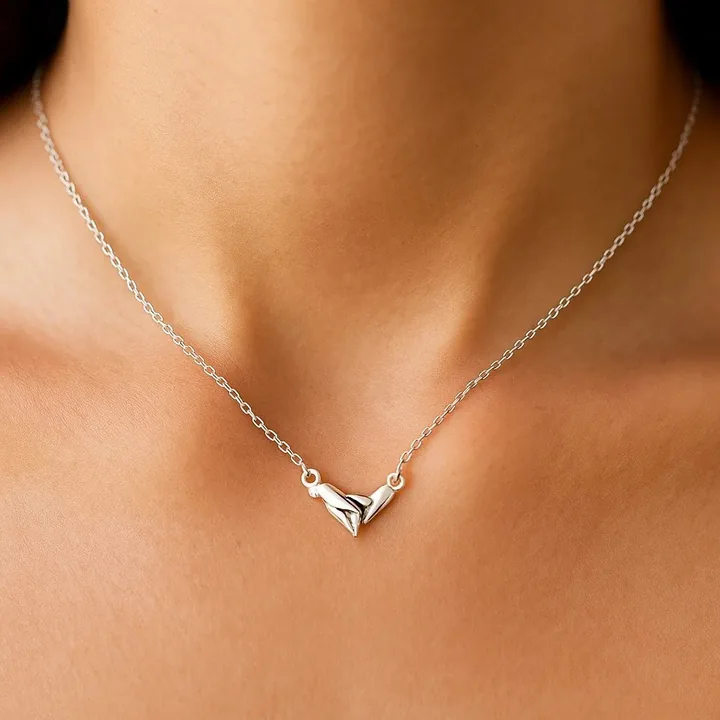
The challenges silver jewellery sellers face
- Greying and blending. Silver reflects its surroundings and looks flat on white.
- Tarnish and fingerprints. Silver shows marks quickly.
- Colour cast. Warm light turns silver yellow.
- Fine chains. Delicate chains disappear without contrast.
A simple workflow for silver jewellery sellers
- Polish and clean the piece, wearing gloves.
- Shoot with neutral light and black cards for edge definition.
- Upload the clean photo and choose minimal or dark styles.
- Review that the metal tone looks like real silver.
- Export in the formats you need.
What you get
| Benefit | Details |
|---|---|
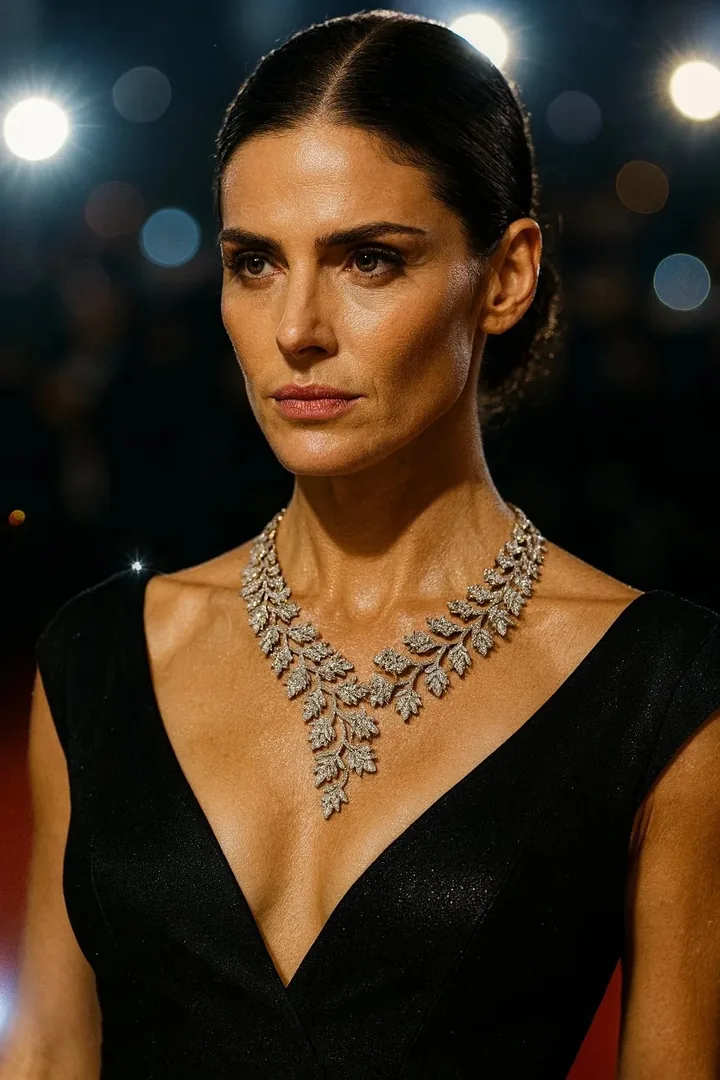
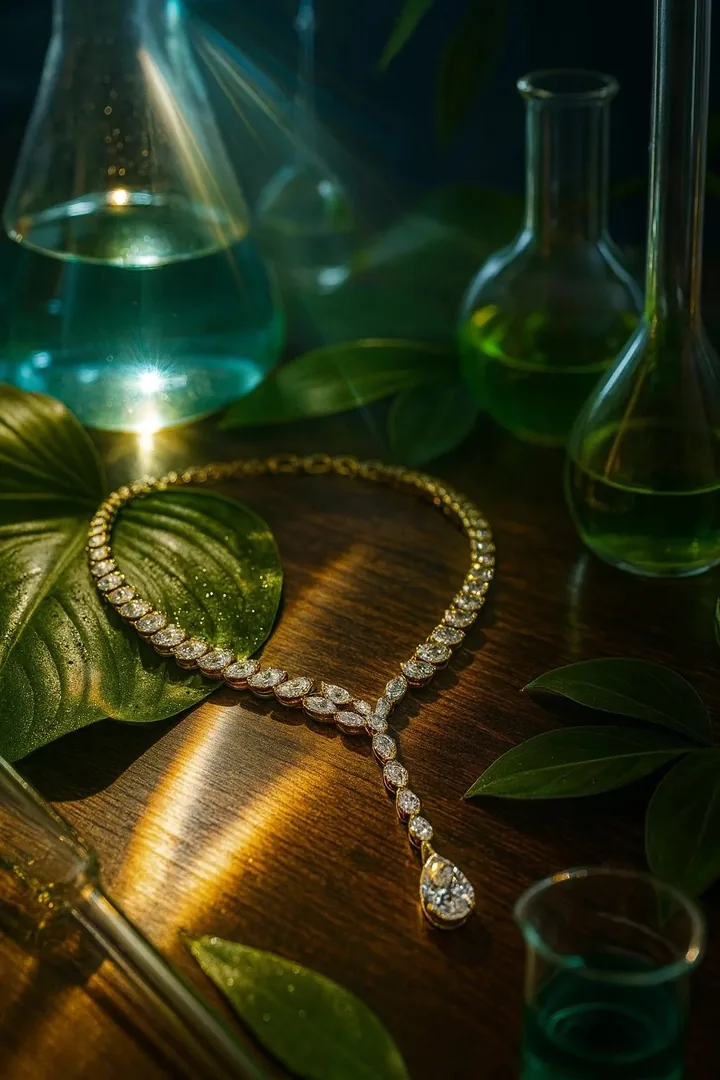
| Contrast-friendly styles | Dark and velvet backdrops make silver stand out. |
| Consistency | One look across all your silver collection. |
| On-body scale | Show delicate chains on skin. |
| Speed | Faster than building lighting setups. |
Styles that suit silver jewellery sellers
Pricing in plain terms
The yearly plan is $59.99 a year for 30 credits a month, and the monthly plan is $14.99 for 40 credits a month. One credit is one generated image. Your first shoot is a free watermarked preview. See the FAQ or try the cost calculator with your own numbers.
Frequently asked questions
How do I stop silver looking grey in photos?
Add contrast with black cards and a controlled bright light, and set white balance for neutral light.
What background is best for silver jewellery?
Darker or textured backgrounds create contrast. Pure white can make fine silver disappear.
Can AI keep the silver tone accurate?
Check the output colour against your piece in daylight. Regenerate if it looks too warm or too grey.